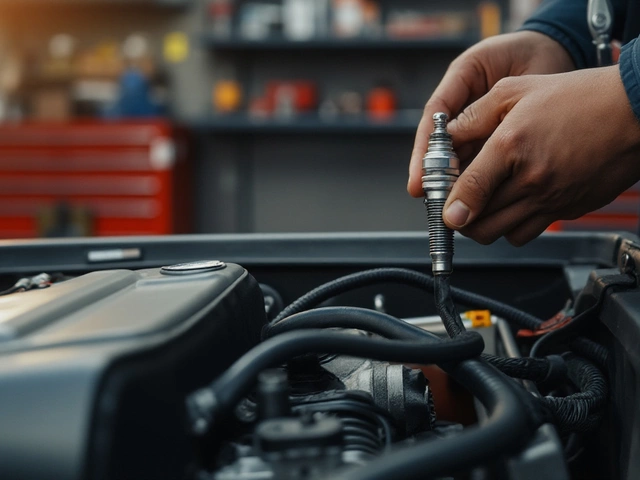
Brake Rotor Diagnostic Tool
Select any issues you are currently experiencing with your brakes.
Use a micrometer to measure rotor thickness at 4 points (90° apart).
You’re cruising down the M5, tapping the brakes gently for a roundabout, and suddenly the steering wheel shudders in your hands. It’s not just annoying-it’s a warning light on your dashboard that doesn’t have a bulb. Most drivers focus entirely on brake pads, replacing them religiously while ignoring their silent partners: the brake rotors (or discs). But here’s the thing: new pads on warped or thin rotors are like putting fresh tires on bent rims. They won’t stop properly, they’ll squeal, and you’ll be back under the car in six months wondering why you wasted money.
Figuring out if your rotors need swapping isn’t rocket science, but it does require knowing what to look for, listen to, and feel. This guide cuts through the mechanic jargon to give you a practical, step-by-step way to diagnose your brakes before they fail completely.
Why Rotors Wear Out Differently Than Pads
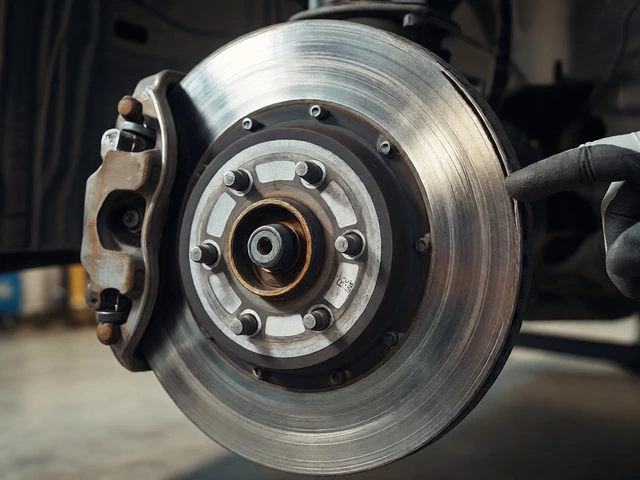
A brake rotor is a heavy steel disc attached to your wheel hub that rotates with the tire. When you press the brake pedal, hydraulic pressure forces calipers to squeeze brake pads against the spinning rotor. Friction slows the vehicle, converting kinetic energy into heat. Over time, this process eats away material from both components.
Pads wear out faster because they’re made of softer composite materials designed to grip. Rotors, typically cast iron, are harder but still lose mass with every stop. The real killer, however, isn’t just friction-it’s heat cycling. Rapid braking heats the metal; cooling contracts it. Repeated stress causes warping, cracking, or uneven surface hardening. Unlike pads, which you can visually inspect easily, rotors hide their damage until it affects performance.
Symptom #1: Vibration Through the Pedal or Steering Wheel
This is the most common complaint. If your steering wheel shakes when you brake-especially at highway speeds-it’s almost always a sign of warped rotors. Think of it like a wobbly washing machine drum. When a rotor becomes uneven (often due to excessive heat or improper lug nut tightening), the pads don’t make consistent contact. Instead, they pulse against high and low spots, sending vibrations straight up the steering column.
Note: Don’t confuse this with ABS activation. Anti-lock brakes also cause pulsing, but that happens during emergency stops or on slippery surfaces. Normal driving vibration means physical deformation.
Symptom #2: Deep Scratches or Grooves on the Surface
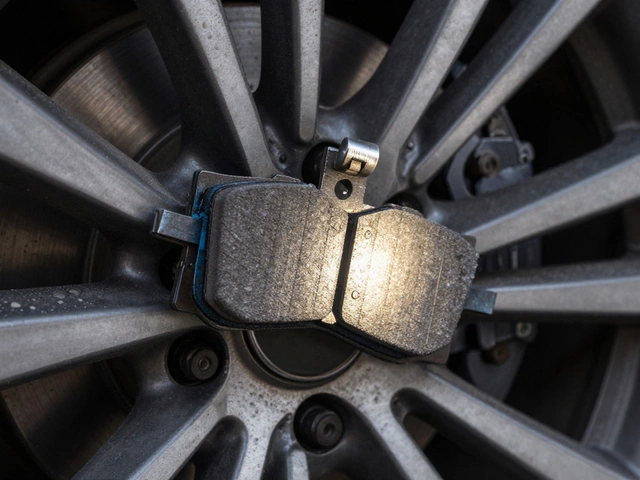
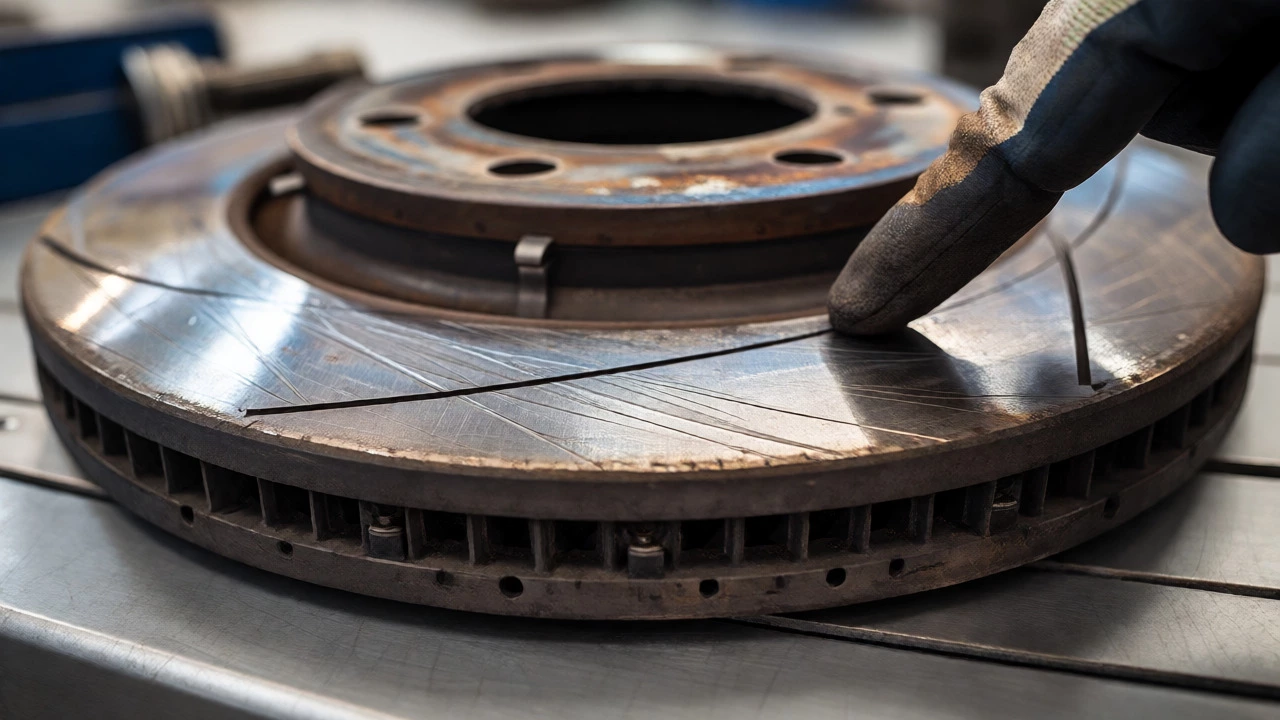
Run your finger lightly across the face of the rotor (when cool!). Feel deep circular grooves? That’s scoring. It usually happens when brake pads wear down completely, allowing the metal backing plate to grind directly against the iron rotor. Once those grooves form, new pads can’t seat evenly. They’ll chatter, vibrate, and wear unevenly.
Minor scratches might polish out with resurfacing, but deep gouges mean the rotor is structurally compromised. No amount of machining can fix a rotor that’s been chewed by bare metal.
Symptom #3: Blue Discoloration or Cracks
Look closely at the rotor surface under good light. Do you see blueish tints? That’s heat staining. It indicates the metal reached extreme temperatures, altering its crystalline structure. While some bluing is normal after track days or heavy towing, widespread blue zones suggest the rotor has lost its temper strength. It will warp more easily now.
Also check for hairline cracks radiating from the center hub outward. Small thermal cracks are somewhat expected on older cars, but large, jagged fractures risk catastrophic failure. If you see significant cracking, replace the rotor immediately. Don’t gamble with structural integrity.
The Measurement Test: Thickness Variation
Visual checks are great, but numbers don’t lie. Every rotor has a minimum allowable thickness stamped on the hat (the central part behind the wheel). For example, many standard sedans specify "MIN TH 24.0mm." If your current measurement falls below this number, the rotor must be replaced. Machining removes material, so if you’re already near the limit, resurfacing will push you under spec.
Here’s how to measure properly:
- Use a micrometer, not a ruler. Precision matters.
- Measure at four points around the rotor edge, spaced 90 degrees apart.
- Calculate the difference between your thickest and thinnest readings. This is thickness variation.
- Anything over 0.05mm (0.002 inches) often causes noticeable pulsation.
| Condition | Action | Why |
|---|---|---|
| Vibration + Visible Warping | Replace | Machining may not correct severe distortion. |
| Deep Scoring (>1mm) | Replace | New pads will chatter and wear unevenly. |
| Near Minimum Thickness | Replace | No room left for safe machining. |
| Light Rust Only | Clean/Machine | Rust clears after first few stops. |
| Minor Scratches | Machine | Surface renewal restores smoothness. |
Resurface vs. Replace: What’s Better?
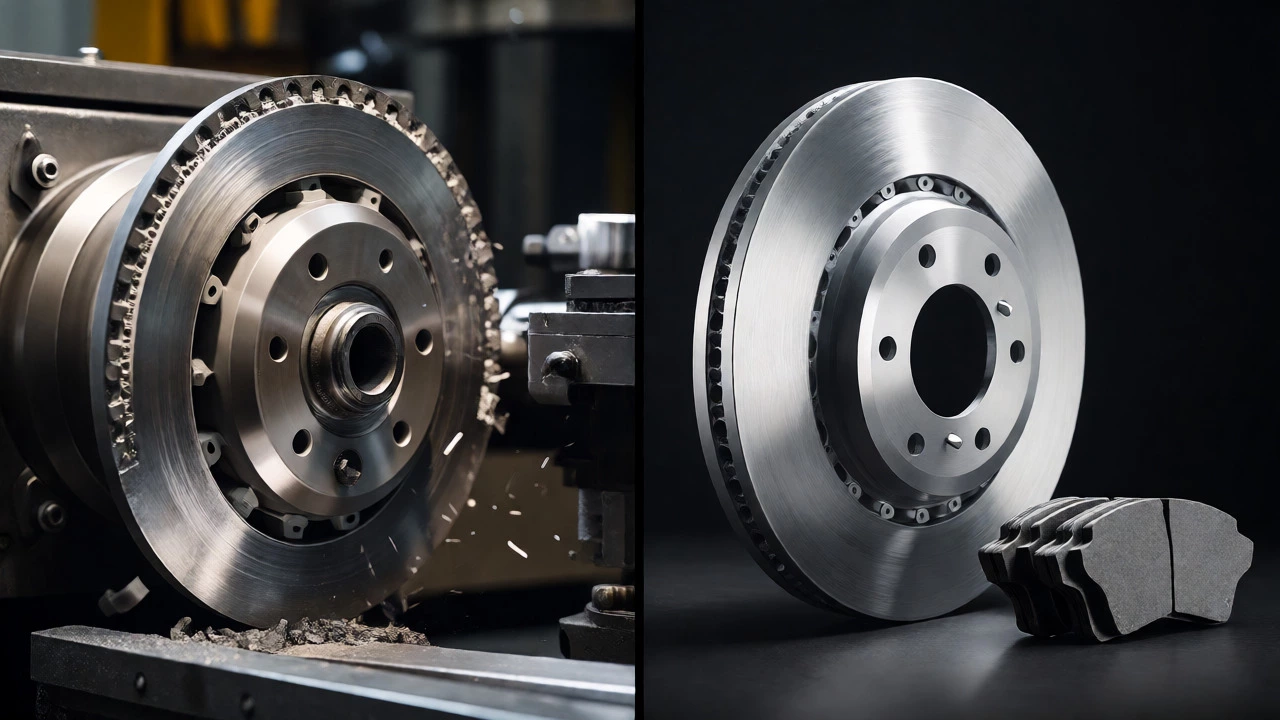
Mechanics love to say "resurface" because it’s cheaper labor-wise. But modern cars use thinner, lighter rotors than they did twenty years ago. There’s often less meat on the bone. Resurfacing removes about 0.5-1.0mm of material. If your rotors are already worn close to the minimum stamp, machining makes them dangerously thin and prone to overheating.
Replacement costs have dropped significantly. Aftermarket brands offer quality cast-iron rotors for similar prices to pad sets. Unless your rotors are barely touched and perfectly flat, replacing them alongside new pads is usually the smarter financial move long-term. You avoid comebacks, ensure proper bedding-in, and maintain optimal braking distance.
How to Extend Rotor Life
You can’t prevent wear, but you can slow it down. Avoid riding the brakes downhill; let engine braking do the work. Never slam your brakes repeatedly unless necessary; gradual pressure dissipates heat better. Also, keep your wheels clean. Brake dust contains metallic particles that stick to hot rotors and accelerate corrosion. A quick rinse during car washes helps.
One controversial tip: drive carefully for the first 300 miles after new installation. This "bedding-in" period transfers an even layer of pad material onto the rotor surface. Skipping it leads to premature warping and noise. Follow your pad manufacturer’s specific break-in procedure-they vary by compound type.
Frequently Asked Questions
Can I just change brake pads without touching rotors?
Yes, if the rotors are within thickness specs, free of deep scoring, and show no signs of warping. However, mechanics recommend at least scuffing the old rotor surface slightly to help new pads bed in properly. Ignoring rotor condition often leads to early pad failure.
How much does it cost to replace brake rotors?
In the UK, parts alone range from £30 to £80 per axle for standard vehicles. Labour adds another £60-£100 depending on location and shop rates. Luxury or performance cars with larger slotted/drilled rotors cost significantly more. Always get quotes that include hardware (shims, clips).
Do drilled and slotted rotors last longer?
Not necessarily. Drilled and slotted designs improve heat dissipation and gas evacuation, reducing fade during aggressive driving. However, the holes and slots create stress concentration points that can lead to cracking under heavy use. For daily commuting, plain solid rotors are often more durable and quieter.
Is it safe to drive with warped rotors?
Short term, yes. Long term, no. Warped rotors reduce braking efficiency and increase stopping distances. They also cause uneven tire wear and put extra stress on suspension components. Address the issue promptly to avoid cascading repairs.
Why do my new rotors rust quickly?
Cast iron rusts naturally when exposed to moisture. Surface rust forms within hours of rain or washing. It’s harmless and wipes off after a few brake applications. Coated rotors resist cosmetic rust on the hat and vanes but not the friction surface itself.